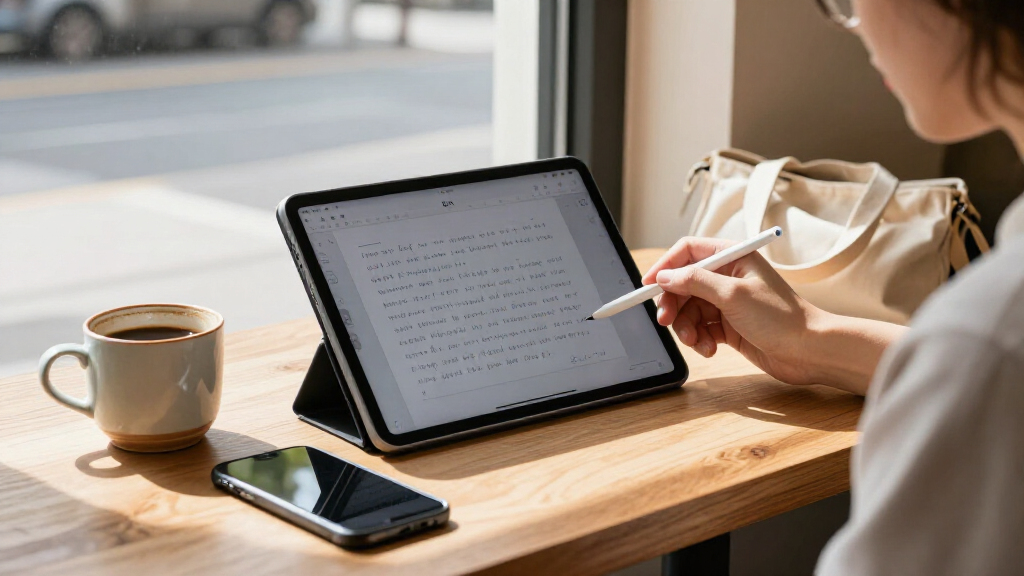
🔍 Read the full analysis: A Closer Look At 8 E Ink Tablets For Writing And Reading In 2027 on ThorstenMeyerAI.com

Get smart everyday buys delivered free with Prime
- Fast, free delivery on millions of items
- Prime Video, Amazon Music and more included
- Member-only deals all year
TL;DR
A source article presents eight E Ink tablets for readers and writers, comparing writing performance, display quality and software flexibility. It highlights tradeoffs between compact color readers, larger writing surfaces, and closed versus Android-based ecosystems; the supplied material does not verify 2027 availability or specifications for every named model.
A buyer’s guide from ThorstenMeyerAI.com compares eight E Ink tablets for reading and writing, ranking them by writing performance, display quality and ecosystem flexibility. It names the reMarkable Paper Pro as an overall pick, but the supplied material does not confirm that all eight products are available, current or unchanged in 2027.
The guide advises choosing a device according to its intended use. It says larger screens suit PDF annotation and document review, while smaller devices are easier to carry. It also distinguishes monochrome displays, which it says offer stronger contrast for text, from color E Ink screens intended for material such as magazines, charts and comics.
Among the models named in the source, the reMarkable Paper Pro is described as an option for note-taking and document annotation. The BOOX Go Color 7 Gen II is presented as a compact color device, and the Amazon Kindle Scribe Colorsoft as a larger writing option for people already using Kindle. These are the source’s evaluations, not independently verified test results in the supplied material.
The guide says its comparisons weigh stylus latency, pressure sensitivity and screen feel, along with resolution, front lighting, file transfers and app support. It contrasts closed systems such as reMarkable and Kindle with Android-based BOOX devices, which it says allow third-party apps. The source also names the BOOX Note Air6 C, Huion Ink EB1011 and standard Kindle Scribe or reMarkable Paper Pure, but does not provide a complete, clearly enumerated list of eight picks in the material supplied.
The 8 picks
- 1
 reMarkable Paper Pro with Marker Plus and Black Leather Book FolioView on Amazon →
- 2
 reMarkable Paper Pro with Marker Plus and Basalt Book FolioView on Amazon →
- 3
 BOOX Note Air6 C 10.3-Inch Color E Ink Tablet, 6GB RAM, 64GB StorageView on Amazon →
- 4
 reMarkable Paper Pure with Marker Plus and Ocean Blue Sleeve FolioView on Amazon →
- 5
 Amazon Kindle Scribe (64GB) with Premium Pen – TungstenView on Amazon →
- 6
 Kindle Scribe Colorsoft 64GB (Newest Model) – 11" Color Display with Premium PenView on Amazon →
- 7
 Huion Ink EB1011 10.3-Inch E Ink Tablet with Dual Front LightView on Amazon →
- 8
 BOOX Go Color 7 Gen II 7-Inch E Ink TabletView on Amazon →
Choosing Between Portability and Writing Space
The guide frames the purchase decision around an E Ink tablet’s size, pen experience and software limits. It says a commuter who mainly reads may value a lightweight device, while someone marking up research papers may need room for full-page documents.
The source also contrasts simpler, more controlled ecosystems with platforms offering greater flexibility. It says Android app access and broader file support may matter to users moving documents across services. These are selection criteria presented by the guide, not evidence that one platform is universally better.
Products Worth Considering
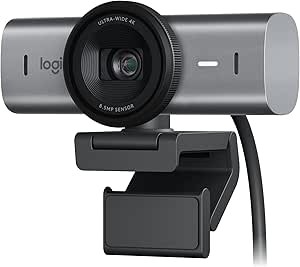
Logitech MX Brio Ultra HD 4K Webcam for Streaming and Collaboration

Apple iPad Pro 13-inch (M5) – Ultra Retina XDR Display, 256 GB, Landscape 12 MP Front & Back Cameras, LiDAR Scanner, Wi‑Fi 7 with Apple N1,
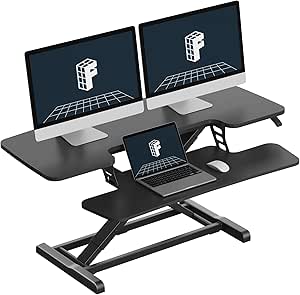
FLEXISPOT 42-Inch Height-Adjustable Standing Desk Converter with Keyboard Tray, Black
As an affiliate, we earn on qualifying purchases.
How the Guide Compares Devices
ThorstenMeyerAI.com says it assessed the tablets across writing performance, display quality and ecosystem flexibility. It describes writing performance in terms of pen responsiveness, pressure sensitivity and tactile feedback, and display quality in terms of resolution, refresh rate and front lighting. The supplied text does not include test data, detailed methods or independent verification of those assessments.
Its comparisons set roughly 7-inch readers against 10-inch-plus writing devices and monochrome screens against color displays. The guide says color can help with visual documents, while monochrome can be preferable for text-heavy reading. The source provides no measured battery-life figures or side-by-side display results to quantify those tradeoffs.
“The primary tradeoffs in this category involve balancing screen size against portability, and choosing between the simplicity of closed ecosystems like reMarkable and the flexibility of Android-based devices like BOOX.”
— ThorstenMeyerAI.com
Questions About the 2027 Lineup
The material does not establish when the guide was published, whether its product names refer to retail models available in 2027, or whether any specifications have changed. It also does not fully identify all eight picks: the supplied text names several devices and mentions other models in its general advice, but provides no complete eight-item roster with individual specifications and prices.
Claims about battery life, writing latency, screen quality and ecosystem restrictions are attributed to the guide. No test measurements, product-maker statements or independent comparisons are included here. Buyers should check current manufacturer listings and software compatibility before treating these descriptions as up-to-date.
Verify Models Before Buying
Readers can compare the complete original list with current manufacturer specifications, including model names, screen size, stylus support, storage, app availability and price. The source does not announce a forthcoming release or provide a date for an updated comparison, so no specific product milestone can be reported.
Until those details are confirmed, the guide is best read as a set of selection criteria and attributed recommendations, not a verified 2027 buying list. Readers can identify whether they need color, a large writing surface, third-party apps or a compact reader, then check those needs against current product information.
Key Questions
Does the source confirm eight E Ink tablets for sale in 2027?
No. It is framed as a 2027 guide, but the supplied material does not confirm a complete eight-device list or the availability of every model in that year.
Which tablet does the guide call its overall pick?
The guide names the reMarkable Paper Pro as its best overall pick, citing note-taking and document annotation. That is the source’s recommendation, not an independently verified ranking.
What is the main tradeoff between color and monochrome E Ink?
The guide says color can help with magazines, charts and other visual material, while monochrome screens offer stronger contrast for text-heavy reading. It provides no measurements to quantify the difference.
Why does software ecosystem matter when choosing?
According to the source, closed systems prioritize a focused experience but limit app installation, while Android-based devices can support third-party apps and broader workflows. Compatibility should be checked against current product information.
Source: ThorstenMeyerAI.com