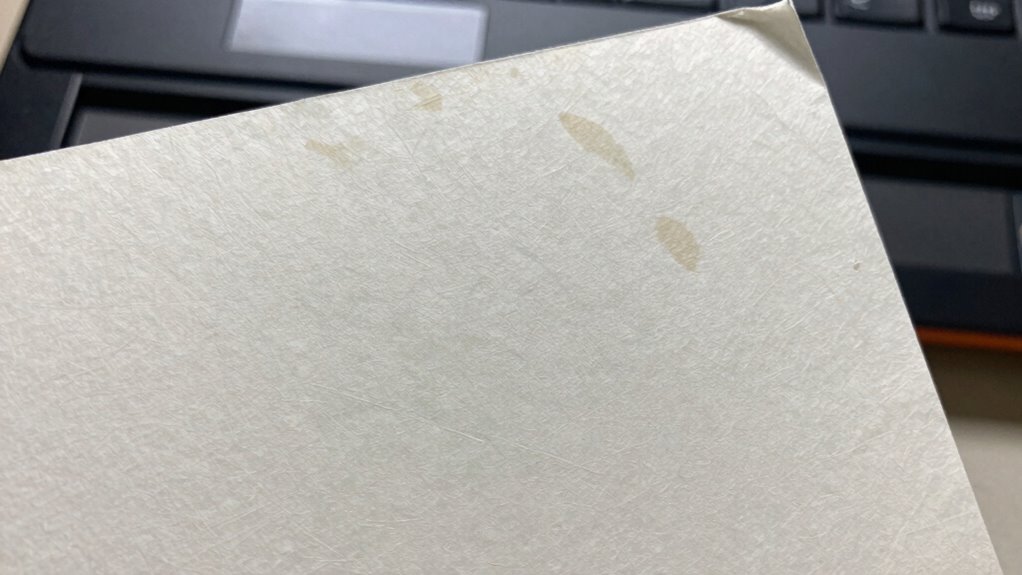

A scanned copy isn’t the same as the original document because it can’t capture the tactile qualities like paper texture, ink variations, or physical features such as watermarks or seals that prove authenticity. Handwritten notes, signatures, or subtle details might become illegible or lost in the process. Digital scans also lack the physical presence and authority of the original, which can be essential for verification. To understand why these differences matter, keep exploring further.
Key Takeaways
- Handwritten annotations and subtle marks may be lost or illegible in digital scans.
- Physical features like watermarks, paper texture, and embossed seals are difficult to replicate digitally.
- Scanning can distort colors, lighting, and physical imperfections, affecting authenticity.
- Digital copies lack tactile qualities and physical presence that convey document authority.
- Absence of tangible physical cues can hinder verification and challenge the document’s legitimacy.
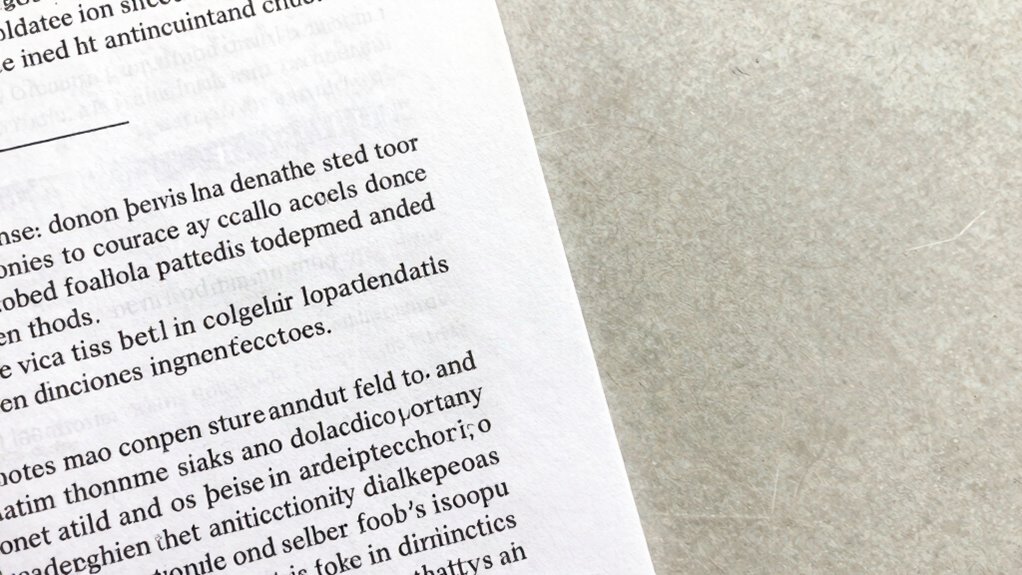
Have you ever compared a scanned copy to the original document and noticed the differences? It’s common to assume that a digital scan perfectly replicates what was originally created, but that’s not entirely true. When you scan a document, you’re creating a digital image of its current state, which might not capture every subtle detail, especially handwritten annotations. These annotations—notes, signatures, or marginal comments—are often lost or distorted during the scanning process. Handwritten marks tend to blend into the background or become illegible if the scan quality isn’t high enough. This loss can be critical, especially if those annotations hold legal or contextual weight. They help establish the document’s history, intent, or authenticity, and when they’re diminished or missing, the scanned version might give a misleading impression of the original.
You might also think that the scanned copy preserves document authenticity perfectly, but it doesn’t always succeed. Authenticity relies on more than just content; it depends on visual cues, physical features, and even subtle imperfections that show a document’s age or origin. For example, paper texture, ink variations, watermarks, and embossed seals can be difficult to reproduce faithfully in a scan. These physical features often serve as proof of authenticity, and when they’re absent or poorly rendered, the scan can appear less genuine. This can become problematic in legal, financial, or official situations where verifying the document’s legitimacy is crucial. A scanned copy may look clean and neat but might lack the tangible evidence that confirms its authenticity. Additionally, physical characteristics such as the paper’s weight or fiber pattern are often difficult to capture accurately through scanning, yet they are vital for verification purposes.
Moreover, the process of scanning can introduce errors or distortions. Poor lighting or low resolution can obscure important details, while color inaccuracies can affect how you interpret the document. Even if the scan looks perfect, it’s still a digital reproduction, meaning it’s inherently different from the tactile experience of holding the original. Physical documents carry a sense of permanence and authority that digital copies often lack. When you rely solely on scanned versions, you risk missing the nuances that make the original unique, like the slight variations in handwriting or the paper’s physical characteristics. These elements contribute to the document’s overall integrity and trustworthiness, making the original far more reliable than a digital copy.
In the end, understanding these differences helps you appreciate why a scanned copy isn’t always equivalent to the original. While scans offer convenience, they can’t fully replace the tangible, authentic qualities embedded in a physical document.

Epson Perfection V19 II Color Photo and Document Flatbed Scanner with 4800 dpi Optical Resolution, USB Power and High-Rise, Removable Lid
Amazing image clarity and detail — 4800 dpi optical resolution (1), ideal for photo enlargements
As an affiliate, we earn on qualifying purchases.
As an affiliate, we earn on qualifying purchases.
Frequently Asked Questions
Can a Scanned Copy Be Legally Accepted as an Original?
A scanned copy isn’t usually accepted as an original document legally, unless it’s digitally signed and electronically verified. Digital signatures guarantee authenticity and integrity, making scanned copies more credible. However, many legal processes require the original physical document, especially for notarizations or formal contracts. Always check specific regulations; in some cases, an electronically verified scanned copy may suffice, but generally, originals hold more legal weight.
How Does a Scan Affect the Document’s Authenticity?
A scan can impact a document’s authenticity because it may lack features like digital watermarking, which verify originality, and OCR accuracy, which guarantees text integrity. When you scan, these elements often aren’t preserved, making it harder to confirm the document’s legitimacy. This reduces trustworthiness, especially in legal or official settings, where original documents with embedded security features are preferred over simple digital copies.
Are Scanned Copies Suitable for Official or Notarized Purposes?
You can’t rely on scanned copies for official or notarized purposes, as they lack the authenticity of original documents. Imagine trying to seal a letter with digital signatures or encrypting the document—these measures help verify authenticity, but a scan can’t replicate the original’s ink or embossed seals. For legal or notarized needs, always present the original to guarantee your document’s validity and trustworthiness.
What Are the Common Quality Issues With Scanned Documents?
You might notice common quality issues with scanned documents like blurry text or images due to low image resolution. Color accuracy can also be problematic, causing colors to appear faded or distorted compared to the original. These issues often happen if the scanner’s settings aren’t optimized or if the source document has poor quality. To improve, adjust resolution settings and make certain the scanner captures colors accurately, resulting in clearer, more faithful digital copies.
Can a Scanned Version Be Tampered With or Altered Easily?
Think of a scanned copy as a fragile glass—easily tampered with. Yes, it can be altered or tampered with, but digital signatures and watermark security act as your guardians. Digital signatures verify authenticity, while watermarks make unauthorized changes obvious. These security features help protect scanned documents from malicious edits, ensuring your copies stay trustworthy and unaltered. Without them, your scanned document’s integrity is far more vulnerable.

AccuBANKER D450 Counterfeit Money Checker Machine, Magnetic, Infrared, Watermark and Micro-Printing Detection in Less Than 1 Second with Audible and Visual Alert for Suspicious Bill
FIVE COUNTERFEIT DETECTION METHODS: AccuBANKER D450 Counterfeit Bill Scanner has Ultraviolet, Magnetic Ink, Infrared, Watermark & Size detection.
As an affiliate, we earn on qualifying purchases.
As an affiliate, we earn on qualifying purchases.
Conclusion
In the grand scheme of documentation, a scanned copy is nothing more than a pale shadow of the original, a mere ghostly echo that can never fully capture its true essence. Think of it as trying to replicate a masterpiece with a photocopier—sure, it’s close, but it’ll always lack the soul, the texture, and the irreplaceable authenticity that only the original holds. Don’t settle for mere echoes when the real thing can never be truly duplicated.
tactile document authenticity verification
As an affiliate, we earn on qualifying purchases.
As an affiliate, we earn on qualifying purchases.

Epson Workforce ES-400 II Color Duplex Desktop Document Scanner for Computers Including PC and Mac with Auto Document Feeder and Image Adjustment Tools
FAST DOCUMENT SCANNING — Document scanner with feeder allows you to speed through stacks with a 50-sheet Auto…
As an affiliate, we earn on qualifying purchases.
As an affiliate, we earn on qualifying purchases.