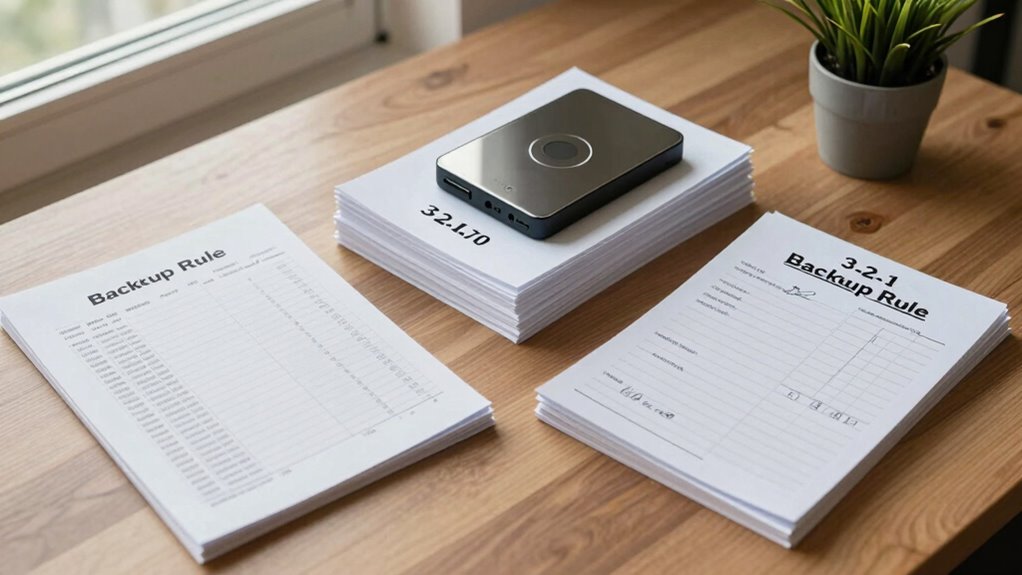

To protect your family’s financial records, follow the 3-2-1 backup rule. Keep three copies of important documents, stored on two different types of media like external drives and cloud services. Make sure at least one backup is kept offsite in case of theft, fire, or other disasters. Regularly update your backups and stay organized for quick access. Continuing will help you master the best practices to keep your records safe and secure.
Key Takeaways
- Maintain three copies of family financial records, including digital and physical backups.
- Store backups on two different media types, such as external drives and cloud services.
- Keep at least one backup offsite to protect against theft, fire, or natural disasters.
- Organize records with clear folders and naming conventions for quick retrieval.
- Regularly update backups to include recent financial changes and ensure data security.
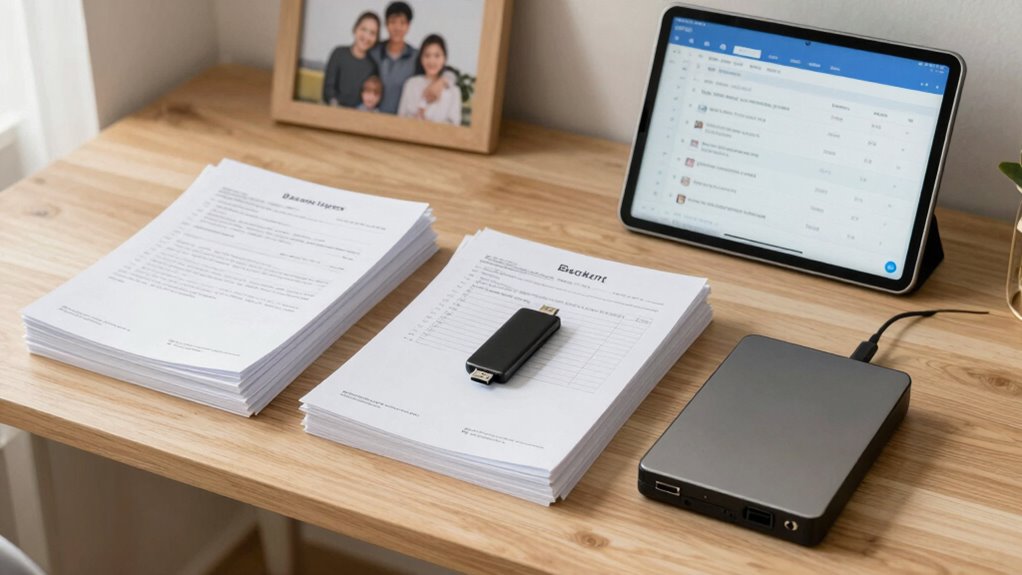
When it comes to protecting your family’s important records, the 3-2-1 Backup Rule offers a simple and effective approach. This rule emphasizes having three copies of your data, stored on two different types of media, with at least one copy kept offsite. It’s a straightforward way to enhance your digital security and ensure your financial records are safe from unexpected events like theft, fire, or hardware failure. By following this rule, you minimize the risk of losing essential documents such as tax returns, bank statements, insurance policies, or estate plans. It also encourages better record organization, making it easier to locate specific documents when you need them. Digital security is critical, especially when managing sensitive family financial records. Relying solely on one device or cloud service leaves you vulnerable to hacking, data corruption, or service outages. The 3-2-1 Backup Rule prompts you to create multiple copies and store them on different media, like an external hard drive, USB flash drive, or even a secure cloud service. That way, if one source becomes compromised or inaccessible, you still have reliable backups elsewhere. It’s important to regularly update your backups to keep them current, especially after significant financial changes or at tax time. This proactive approach guarantees your records stay protected and accessible when needed. Record organization plays an essential role in maintaining your digital security and making backups effective. Keep your files well-organized by creating a dedicated folder for each type of document—like income, expenses, or insurance. Use clear, consistent naming conventions so you can quickly find what you need. When creating backups, ensure that these files are included, and consider encrypting sensitive information for added security. Proper organization not only helps you locate records faster but also simplifies the process of updating your backups. It reduces the risk of missing important documents during a recovery, saving you time and stress during emergencies. Additionally, understanding the importance of digital content formats can help ensure your backups are compatible across devices and platforms, further securing your family’s financial information. Utilizing storage media diversity can help diversify your backup sources, adding an extra layer of protection. Regularly reviewing your backup strategy and understanding media diversity can further improve your data protection plan. Recognizing the value of local and offsite storage ensures that you are adequately prepared for different types of emergencies, from natural disasters to cyberattacks. Incorporating knowledge of content quality and topical authority can also help you prioritize the most critical and frequently used documents to safeguard.

Seagate Portable 2TB External Hard Drive HDD — USB 3.0 for PC, Mac, PlayStation, & Xbox -1-Year Rescue Service (STGX2000400)
Easily store and access 2TB to content on the go with the Seagate Portable Drive, a USB external…
As an affiliate, we earn on qualifying purchases.
As an affiliate, we earn on qualifying purchases.
Frequently Asked Questions
How Often Should I Update My Backup Copies?
You should update your backup copies regularly, ideally weekly or monthly, depending on how often your financial information changes. This guarantees your Backup frequency stays current, making the Restoration process smoother if data loss occurs. Frequent updates help you avoid losing recent transactions or important documents. By maintaining consistent backup schedules, you minimize the risk of significant data loss and streamline recovery when needed.
What Types of Digital Files Should I Back Up?
Imagine you’re in a library of digital treasures—you want to back up important files. You should back up essential digital file formats like PDFs, images, spreadsheets, and financial documents. Use multiple backup storage locations, such as an external drive and cloud services, to keep these files safe. This way, you protect everything from tax records to family photos, ensuring you’re always prepared no matter what.
Can Cloud Storage Replace Physical Backups?
Cloud storage can replace physical backups, but it shouldn’t be your only safeguard. Guarantee cloud security by choosing reputable providers with strong encryption. Backup redundancy is essential—use multiple cloud services or combine cloud with physical backups like external drives. This way, if one service faces issues or security breaches, your family financial records remain protected and accessible, giving you peace of mind and reliable data security.
What if My Backup Devices Fail Simultaneously?
If your backup devices fail simultaneously, don’t worry—this is where backup redundancy shines. You’ve set up a solid disaster recovery plan by keeping copies in different locations and formats. Even if devices falter, your critical financial records stay protected. Regularly testing and updating your backups guarantees that, in any unforeseen event, your data remains accessible and secure, giving you peace of mind no matter what surprises come your way.
How Secure Are My Backup Copies From Cyber Threats?
Your backup copies are fairly secure from cyber threats if you use strong encryption security. Encryption protects your data from unauthorized access, making it difficult for hackers to read your information. However, always guarantee your encryption keys are stored safely. Regular data recovery testing helps you confirm that your backups work correctly when needed. Combining encryption security with consistent testing keeps your family financial records protected and accessible during emergencies.

SSK 4TB Personal Cloud Network Attached Storage Support Wireless Remote Access, Home Office NAS Storage with 4T Hard Drive Included for Phone, Tablet, Laptop Auto-Backup, Wired Ethernet Only,No WiFi
Your personal cloud storage with 4TB large capacity doesn't have own WIF: This NAS built-in 3.5inch 4TB storage,…
As an affiliate, we earn on qualifying purchases.
As an affiliate, we earn on qualifying purchases.
Conclusion
By following the 3-2-1 backup rule, you can confidently safeguard your family’s financial records from unexpected loss or damage. Some might think it’s too complicated or time-consuming, but setting up a simple backup routine is easier than you think. Just keep three copies, two on different media, and one offsite. This small effort ensures your important documents stay safe, giving you peace of mind no matter what happens.

128GB Flash Drive Aiibe USB Flash Drive 128 GB Thumb Drive USB 2.0 Memory Stick Zip Drive Backup Jump Drive Single 128GB 128G USB Drive for PC Laptop
Large Data Storage Capacity: Flash Drive with 128GB capacity, meet your needs of daily use on work, school,…
As an affiliate, we earn on qualifying purchases.
As an affiliate, we earn on qualifying purchases.

WD 2TB My Passport, Portable External Hard Drive, Black, backup software with defense against ransomware, and password protection, USB 3.1/USB 3.0 compatible – WDBYVG0020BBK-WESN
Slim durable design to help take your important files with you
As an affiliate, we earn on qualifying purchases.
As an affiliate, we earn on qualifying purchases.